Lyra icon

Headroom

Lyra

F-key volume control for Universal Audio interfaces, right from your keyboard.

macOS UA Apollo Menu bar
7-day free trial · one-time purchase · macOS 12+ · Release notes Have questions? Read the FAQ →
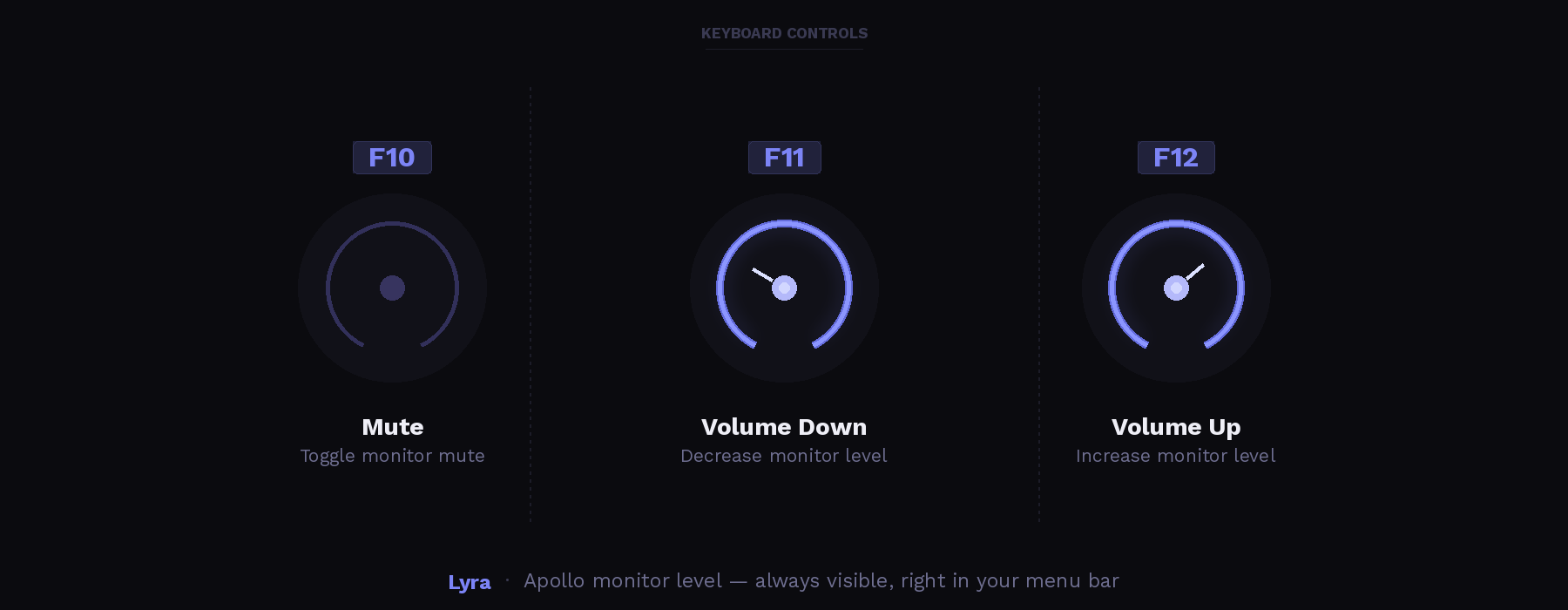
Lyra keyboard controls — F10 mute, F11 volume down, F12 volume up
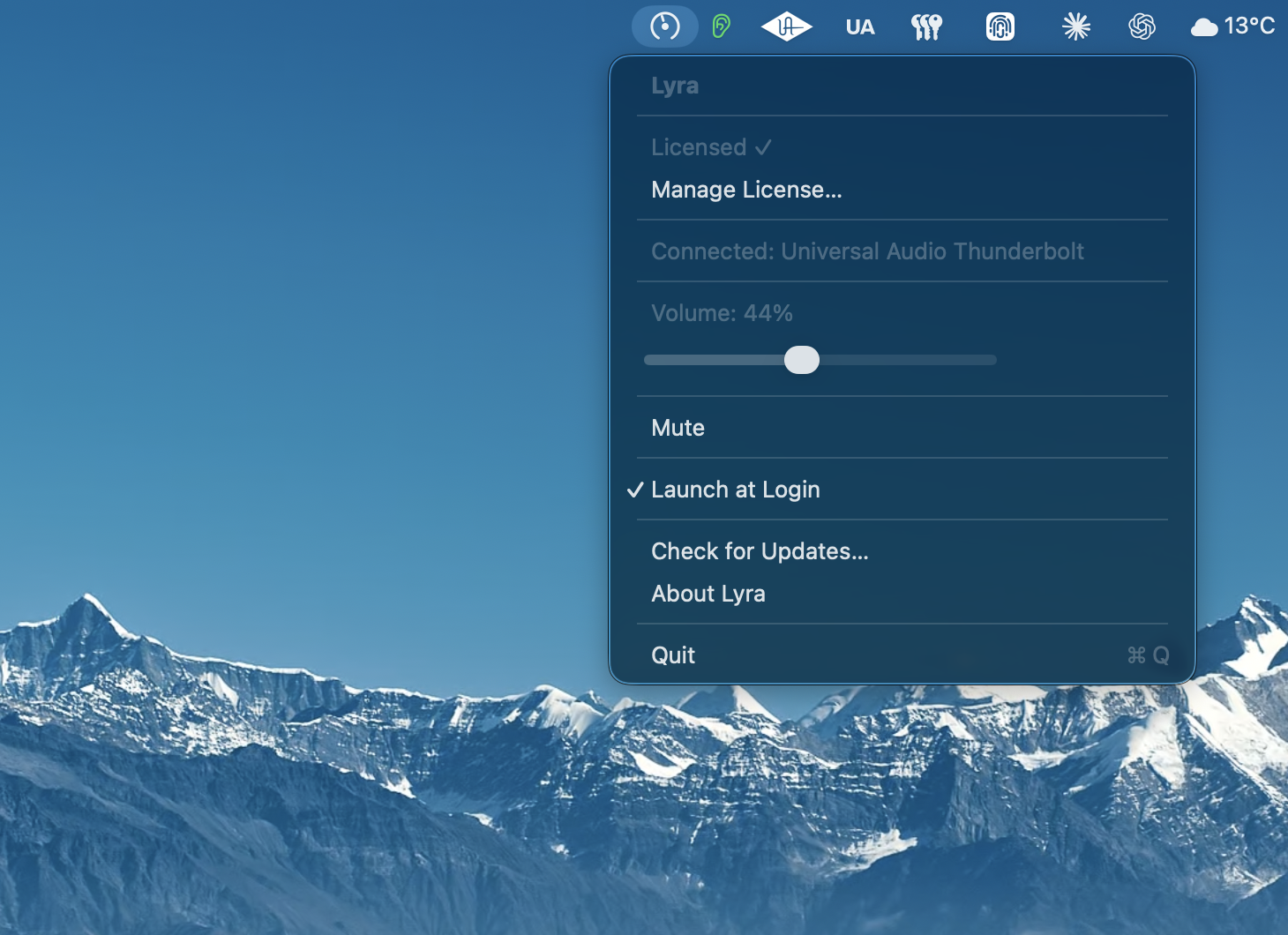
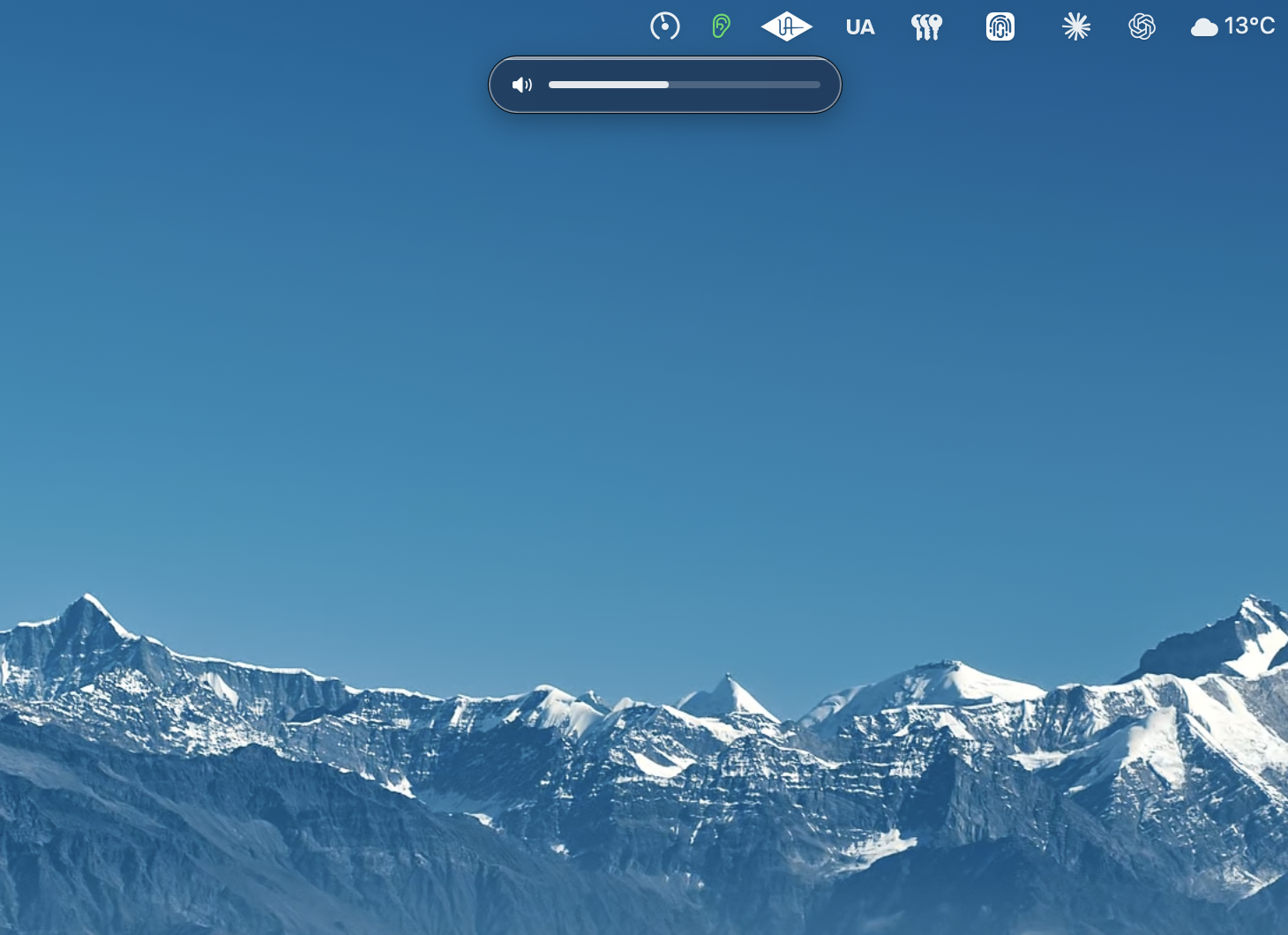
Lyra menu bar popover macOS volume HUD controlled by Lyra

Keyboard shortcuts Volume, mute, DIM, and mono — all from the F-row. Shift halves the volume step for precise adjustments; Option+F10 toggles mono for a quick compatibility check.
Reference levels Three named monitor presets (default Quiet / Mix / Loud) you can rename and recall. Hit Ctrl+F10/F11/F12 to jump straight to a calibrated listening level — for K-System reference, A/B'ing loudness, or quick check-mixes at low volume. The menu bar's Reference Levels submenu also lets you save the current position into a slot or rename a slot without leaving the keyboard.
URL scheme Drive Lyra from Stream Deck, Keyboard Maestro, Shortcuts, or any other app via lyra:// URLs — jump to a slot, set absolute volume, toggle mute / DIM / mono.
Audita pairing Anchor each reference slot to a measured dB SPL by pairing with Audita, our SPL meter. After Audita's target-level calibration, hit "Send to Lyra…" and the position lands in the slot of your choice — the menu and HUD then read e.g. "Mix — 85 dB SPL" instead of just a percentage.
Menu bar Lives quietly in the menu bar. No dock icon, no windows, no UI to get in the way of your work.
Volume HUD A subtle on-screen overlay shows the current level whenever you adjust volume — just like the system does for built-in audio. When you jump to a Reference Level the pill labels itself with the slot name, and if the slot has been calibrated against Audita it shows the measured value too (e.g. "Mix — 85 dB SPL"). Dismisses automatically after a moment.
Non-invasive Communicates directly with UA Mixer Engine. Console keeps running, your signal chain is untouched, no drivers are replaced or patched.
Auto-updates Stays current automatically. You'll be notified in the menu when a new version is available — no manual downloads needed.
Launch at login Optionally start with macOS so your keys are always ready, without you having to think about it.
Interfaces Works with all Apollo Thunderbolt interfaces — Apollo Twin, Apollo x4, x6, x8, x16, and more.
Shortcut Action
F12
Volume up
F11
Volume down
F10
Mute / Unmute
⇧ Shift+F12
Volume up — fine step (½)
⇧ Shift+F11
Volume down — fine step (½)
⇧ Shift+F10
DIM — reduce monitor output (level set in UA Console)
⌥ Option+F10
Mono — sum L+R for mono compatibility check
⌃ Control+F10
Jump to Reference Level slot 1
⌃ Control+F11
Jump to Reference Level slot 2
⌃ Control+F12
Jump to Reference Level slot 3

Lyra registers a lyra:// URL scheme so you can drive it from Stream Deck, Keyboard Maestro, Apple Shortcuts, AppleScript, or any tool that can fire a URL. Try one from Terminal: open "lyra://reference/2".

Reference levels

lyra://reference/1 lyra://reference/2 lyra://reference/3

Jump to the named monitor preset stored in slot 1, 2, or 3.

lyra://reference/cycle

Advance to the next slot in order — handy for a single Stream Deck button that rotates between presets.

lyra://reference/{1|2|3}/save?name=Mix&dBSPL=85

Replace a slot with the current Apollo monitor level, the supplied name, and (optionally) a calibrated dBSPL reading. Used by Audita's "Send to Lyra…" action after a calibration — Lyra reads the live monitor level itself, so the slot reflects exactly what the user just measured. Power users can pass &tapered=0.5 to override the live level.

Volume

lyra://volume/set?tapered=0.5

Set the monitor level to an absolute tapered value between 0.0 and 1.0. Same scale as CRMonitorLevelTapered in UA Mixer Engine.

lyra://volume/up lyra://volume/down

Step the volume up or down by one increment. Append ?fine=1 for a half-size step (the same as holding Shift with F11/F12).

Toggles

lyra://mute/toggle

Toggle the monitor mute (same as F10).

lyra://dim/toggle

Toggle Apollo's hardware DIM (same as Shift+F10). The attenuation amount is set in UA Console.

lyra://mono/toggle

Toggle L+R sum to mono for a quick compatibility check (same as Option+F10).

💡

All URLs require Lyra to be running and your Apollo to be connected (Mixer Engine reachable). Unknown URLs are logged and ignored — they won't crash or interrupt anything.

macOS Monterey 12.0 or later
Hardware Any Universal Audio Apollo interface
Software UA Mixer Engine (installed with UA Connect or Console)
Permission Accessibility access (for global keyboard shortcuts)

Lyra communicates directly with UA Mixer Engine — the background process that powers Universal Audio's Console software. It reads and sets the monitor level through UA's local socket interface, running silently alongside whatever you already have open.

There's nothing to configure in Console, no drivers replaced, no UA software to quit. Your signal chain stays exactly as UA built it. This app simply adds the keyboard shortcuts for known, native macOS volume control.

The UA Mixer Engine communicates via a TCP protocol on port 4710. Public documentation of this protocol exists in several open-source projects, including UA MIDI Control by Radu Varga. Our implementation was written independently from scratch.

Lyra is an independent project and is not affiliated with, endorsed by, or supported by Universal Audio. Universal Audio, Apollo, and UA Mixer are trademarks of Universal Audio, Inc.